Text Diff Checker: The Ultimate Free Tool for Writers & Students
Text Diff Checker: The Ultimate Free Tool for Writers & Students
In the world of writing and editing, clarity and precision are paramount. The Text Diff Checker is an invaluable tool for writers, students, and professionals alike, designed to compare two blocks of text and highlight the differences instantly. Whether you are revising a manuscript, collaborating on a project, or checking for plagiarism, this free online utility simplifies the process of identifying changes and discrepancies in your text.
What is Text Diff Checker?
The Text Diff Checker is a free online tool that allows users to compare two separate blocks of text side-by-side. By highlighting the differences, it makes it easy to spot changes, additions, or deletions. This is especially useful for writers who want to ensure their work is polished and for students who need to compare various drafts of their assignments.
How to Use Text Diff Checker
- Access the Tool: Visit the Text Diff Checker platform.
- Input Text: Copy and paste your first block of text into the first input box.
- Second Text Block: Paste the second block of text into the second input box.
- Initiate Comparison: Click on the ‘Compare’ button to process the two texts.
- Review Results: Examine the highlighted differences in the output area, which will show you what has changed between the two texts.

Key Features
Instant Side-by-Side Comparison
The Text Diff Checker offers immediate visual feedback, displaying the two text blocks side by side. Differences are highlighted in different colors, making it easy to differentiate between additions, deletions, and unchanged text.
Support for Multiple Text Formats
Whether you are working with plain text, HTML code, or even JSON, the Text Diff Checker can handle various formats seamlessly. This versatility makes it suitable for developers and content creators alike.
User-Friendly Interface
The interface is designed to be intuitive, allowing users to navigate and utilize the tool effortlessly. Even those who are not tech-savvy can easily understand how to use it.
Export and Share Options
After comparing texts, users can choose to export the results or share them directly via email or other platforms. This feature is particularly beneficial for collaborative projects.
Completely Free to Use
Unlike many other text comparison tools, the Text Diff Checker is entirely free, making it accessible for students and writers without incurring any costs.
Use Cases
The versatility of the Text Diff Checker makes it beneficial across various fields:
- Writers: Perfect for authors revising drafts, ensuring consistency and accuracy throughout their manuscripts.
- Students: Students can compare different versions of their essays or reports, making it easier to track changes made during the revision process.
- Editors: Editors can use the tool to streamline their workflow, quickly identifying edits and ensuring that all revisions are captured.
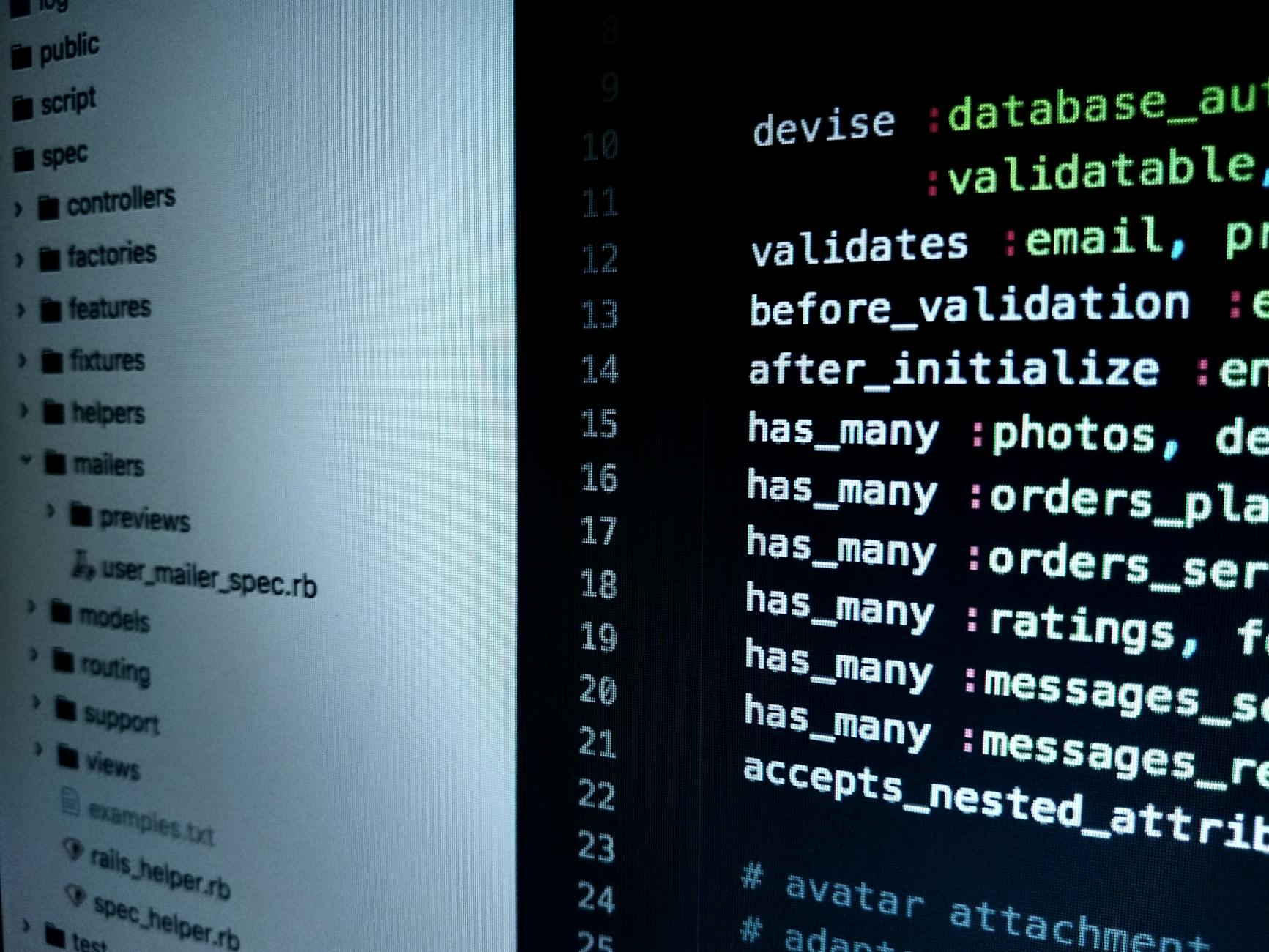
- Developers: Programmers can compare code snippets to identify changes or errors, especially when collaborating on projects.
Tips & Tricks
To make the most of the Text Diff Checker:
- Keep text blocks concise: For better clarity, try to limit the length of the text blocks you compare.
- Use formatting options: If comparing code or HTML, utilize the formatting options for clearer visual comparisons.
- Regularly save your work: Always keep backups of your texts before using the tool, ensuring you don’t lose any important changes.
Frequently Asked Questions
What is a text diff checker?
A text diff checker is a tool that compares two text blocks and highlights the differences, such as changes, additions, and deletions.
How do I use the Text Diff Checker?
Simply paste your two blocks of text into the provided input boxes and click 'Compare' to see the highlighted differences.
Is the Text Diff Checker free to use?
Yes, the Text Diff Checker is completely free and accessible online for anyone to use.
Can I compare more than two texts at once?
No, the Text Diff Checker is designed to compare only two text blocks at a time.
What types of text can I compare?
You can compare plain text, HTML, and even code snippets using the Text Diff Checker.
Conclusion
The Text Diff Checker is a powerful tool that simplifies the process of comparing texts. With its user-friendly interface and robust features, it is an essential resource for writers, students, and professionals. Whether you are revising, editing, or collaborating, this tool will enhance your writing process and help you maintain clarity and accuracy in your work. Try our free Text Diff Checker →