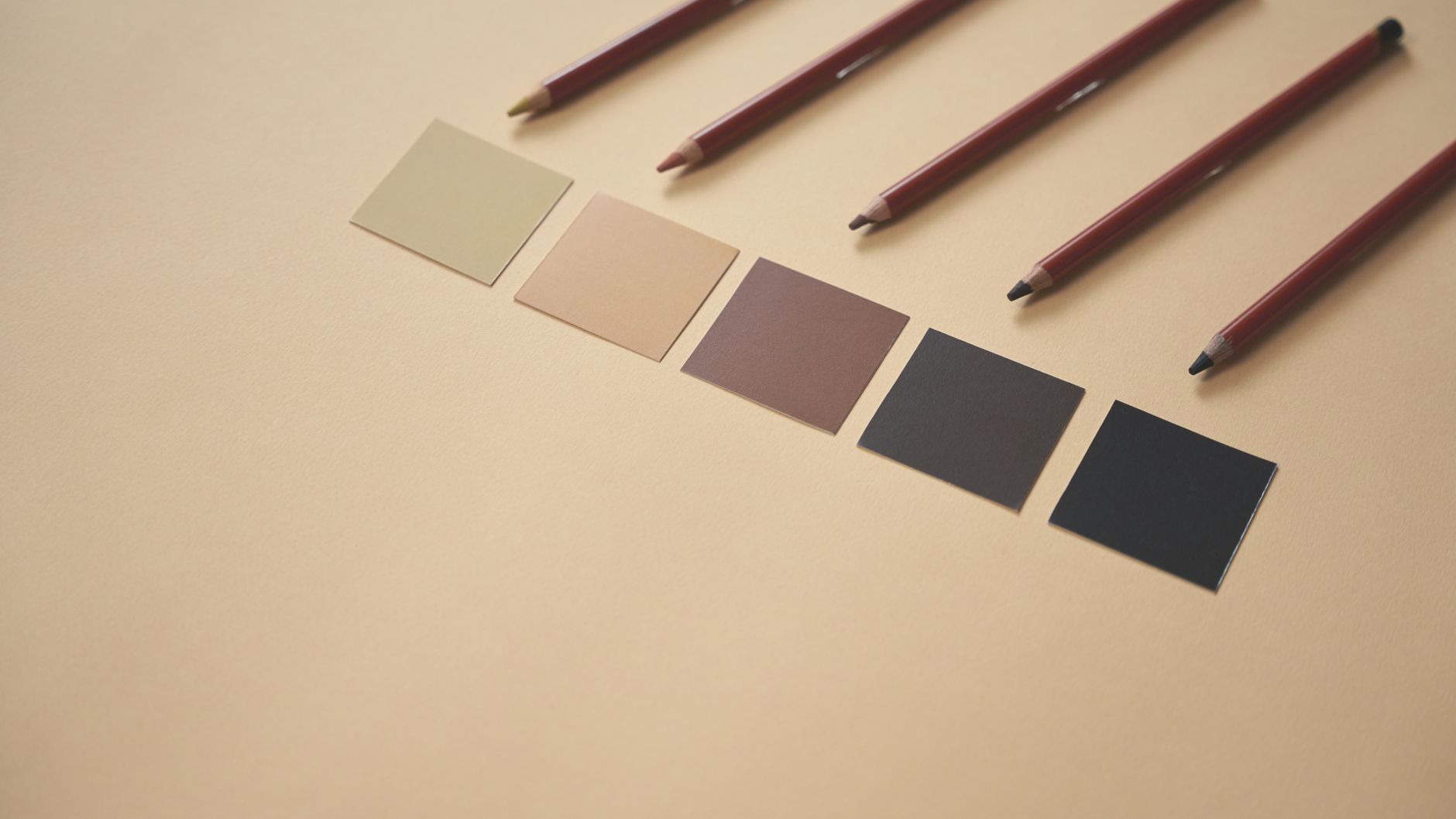
How to Create Stunning Results with Color Palette Generator (Free)
Creating stunning designs often hinges on the effective use of color. The Color Palette Generator is a free online tool that allows you to effortlessly generate harmonious color palettes based on a base color. Whether you're a seasoned designer or a novice looking to enhance your projects, this tool can help you achieve visually appealing results in no time. In this guide, we will delve into how to use the Color Palette Generator, explore its key features, and provide practical use cases and tips to maximize your design potential.
What is Color Palette Generator?
The Color Palette Generator is an intuitive online tool designed to help users create cohesive color schemes from a single color input. By simply entering a base color, the tool generates a variety of complementary colors that can be used in your design projects. This is particularly useful for graphic designers, web developers, and anyone engaged in creative endeavors that require a thoughtful approach to color selection.
How to Use Color Palette Generator
Using the Color Palette Generator is straightforward. Follow these steps to get started:
- Access the Tool: Navigate to the Color Palette Generator on the TinBoxes AI Tools website.
- Select a Base Color: You can either enter a HEX code or use the color picker to choose your desired base color.
- Generate Palette: Click the 'Generate' button to create your palette. The tool will provide you with a selection of colors that work well with your base color.
- Explore Variations: Check out the different palette options available, such as monochromatic, analogous, or complementary schemes.
- Save Your Palette: Once you're satisfied with the generated colors, save your palette for future use or export it in the desired format.
Key Features
Simple User Interface
The Color Palette Generator boasts a user-friendly interface that makes it accessible to users of all skill levels. Its straightforward layout allows you to focus on your creativity without getting bogged down by complex functionalities.
Color Variations
One of the standout features is the ability to generate multiple color variations based on your chosen base color. This ensures that you have several options to explore and choose from, enhancing your creative process.
Export Options
After generating your color palette, you can easily export your results in various formats. Whether you need your palette in HEX codes for web design or in a visual format for print, the Color Palette Generator has you covered.
Accessibility
As a free online tool, the Color Palette Generator is accessible from any device with internet connectivity. This means you can create stunning color palettes on the go, whether you are at the office or working from home.
Integration with Design Tools
The generated color palettes can be effortlessly integrated into popular design software like Adobe Photoshop, Illustrator, or even web development platforms. This seamless transition allows for efficient workflow management.
Use Cases
The Color Palette Generator is beneficial for various users:
- Graphic Designers: Designers can use the tool to create color schemes for branding, logos, and marketing materials.
- Web Developers: Web developers can easily select color palettes that enhance user experience and website aesthetics.
- Artists: Artists can find inspiration and generate palettes that resonate with their artistic vision.
- Social Media Managers: Creating visually appealing social media posts becomes easier with cohesive color schemes.
Tips & Tricks
To make the most out of the Color Palette Generator, consider these power-user tips:
- Experiment with Different Base Colors: Don’t hesitate to try various base colors to see how they influence the generated palettes.
- Use Color Theory: Familiarize yourself with color theory concepts like complementary and analogous colors to maximize the tool's potential.
- Save Multiple Palettes: Keep a collection of different palettes for various projects to streamline your design process.
- Seek Feedback: Share your generated palettes with peers or on design forums to gain insights and constructive criticism.
Frequently Asked Questions
Can I use the Color Palette Generator for free?
Yes, the Color Palette Generator is completely free to use without any hidden charges.
What format can I export my color palettes in?
You can export your color palettes in various formats, including HEX codes and visual representations.
Is the tool accessible on mobile devices?
Yes, the Color Palette Generator is designed to be accessible from any device with internet connectivity, including smartphones and tablets.
Do I need to create an account to use the tool?
No account creation is necessary; you can use the tool directly without signing up.
How does the tool generate color palettes?
The tool uses various algorithms to analyze the chosen base color and generate harmonious combinations based on color theory principles.
Conclusion
In conclusion, the Color Palette Generator is an invaluable tool for anyone looking to create stunning designs with harmonious color combinations. Its user-friendly interface, versatile features, and accessibility make it a go-to resource for designers at all levels. Don't miss out on the opportunity to enhance your creative projects. Try our free Color Palette Generator →