ChatGPT vs Claude vs Gemini: Which AI Assistant is Right for You?
The Big Three AI Assistants
As of 2025, three AI assistants dominate general-purpose use: ChatGPT (OpenAI), Claude (Anthropic), and Gemini (Google). Each is built on different training philosophies and optimised for different use cases.
ChatGPT — The Swiss Army Knife
Best for: Code generation, brainstorming, structured tasks, plugins and integrations
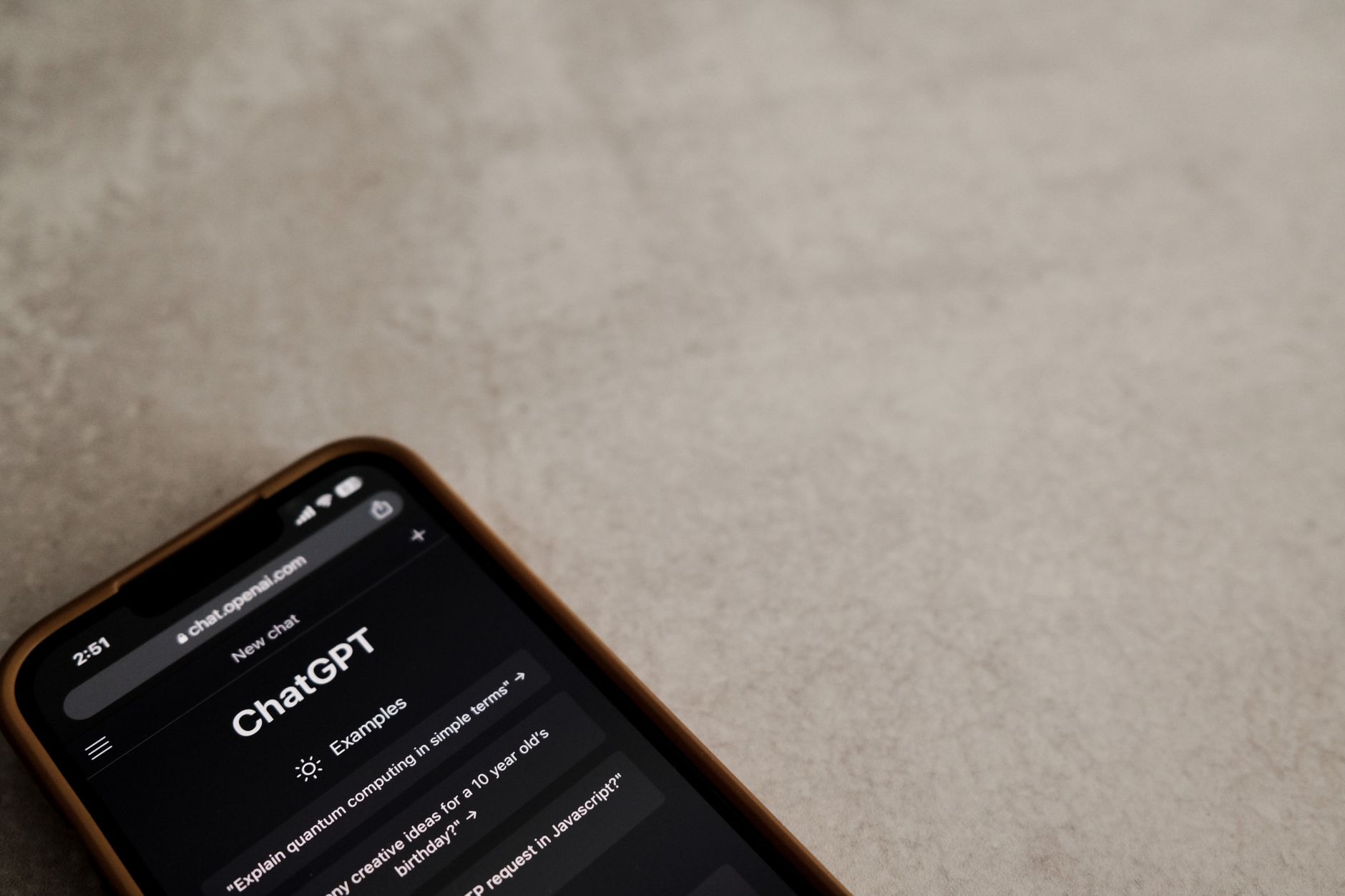
ChatGPT remains the most used AI assistant globally. GPT-4o is genuinely multimodal — it can analyse images, generate charts, run Python code, and browse the web.
Strengths: Broad capability, strong code output, large plugin library, image and file analysis, real-time web browsing on paid tiers.
Limitations: Can be verbose, sometimes overly hedges.
Claude — The Thoughtful Writer
Best for: Long-form writing, nuanced analysis, large document processing
Claude 3's 200K token context window means it can process an entire book in a single conversation. Anthropic's approach makes Claude more likely to acknowledge uncertainty and less likely to confabulate.
Strengths: Exceptional writing quality, massive context window, nuanced instruction-following.
Limitations: No web browsing or image generation on standard plans.
Gemini — The Google-Native Choice
Best for: Google Workspace users, research tasks, real-time information retrieval
Gemini 1.5 Pro has the largest context window (up to 1M tokens in the API) and integrates natively with Google Search for real-time, cited information.
Strengths: Native Google integration, real-time search, massive context window, strong multimodal capabilities.
Quick Decision Guide
| Task | Best Choice |
|---|---|
| Writing long blog posts | Claude |
| Writing code or debugging | ChatGPT |
| Research with citations | Gemini or Perplexity |
| Processing large documents | Claude |
| Google Workspace tasks | Gemini |
The Practical Answer
Use all three. Most power users maintain accounts on at least two platforms and choose based on task type. The cost of using a free tier is zero — experiment for a week and see which output style suits your working style.